Access a private route
Enrol each device once, then use that device to open every private route you are allowed to access. Access is granted to a Team member, not to an individual VPN configuration.
Enrol a device
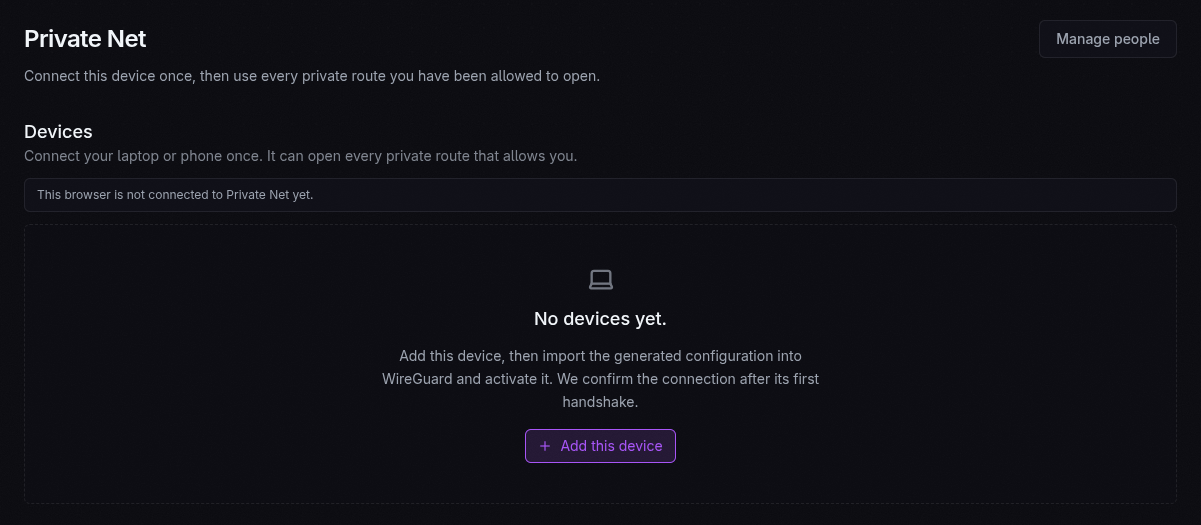
Section titled “Enrol a device”Open Private Net → This device in the console and follow the generated setup instructions. Once connected, the console reports whether the current browser is Private-Net capable. The same device can then reach any private route the person is allowed to access.
The CLI exposes the same model:
deliberate net devicesdeliberate net peopleMake a route private
Section titled “Make a route private”resource: routehost: adminvisibility: privateallow: - owner - "@max"rules: - to: appallow names Team members or built-in Team roles. Removing access in YAML and
applying revokes the route grant without asking the person to replace their VPN
configuration.
Private routing is an option, not the default onboarding path. Keep first-run setup public when an uninitiated user must open it before Private Net access has been established.